 LaunchMon
LAUNCHD FIELD NOTES
Homebrew says “started,” but the service is not running
Inspect the launchd job and its configured logs; a registered service is not necessarily a healthy server.
Start in Terminal
These examples use a placeholder label. Substitute the exact Label from your own plist, not its filename.
brew services list
launchctl list | grep -E 'sh\.brew|homebrew\.mxcl'
launchctl print "gui/$(id -u)/sh.brew.postgresql@16"
plutil -p "$HOME/Library/LaunchAgents/sh.brew.postgresql@16.plist"
What to check next
Replace the label with the service you are investigating. If it was installed with sudo, inspect system/sh.brew.postgresql@16 and /Library/LaunchDaemons/sh.brew.postgresql@16.plist instead. Read the plist’s StandardErrorPath and StandardOutPath. Confirm the actual port with lsof -nP -iTCP:5432 -sTCP:LISTEN. Older services use a different label: Homebrew 6.0.22 (September 2026) switched new services from homebrew.mxcl.<formula> to sh.brew.<formula>. A service started before then keeps its homebrew.mxcl label and plist filename until you run brew services restart <formula>; updating Homebrew does not rename it. The launchctl list line shows which name you have, so use that label in the print and plutil commands, for example gui/$(id -u)/homebrew.mxcl.postgresql@16.
Why it happens
A successful registration does not prove that the executable stays alive or accepts connections. Configuration errors, port conflicts, and missing data directories may cause an immediate exit.
User agents usually run in gui/<your uid>; system daemons run in system. The same label in different domains refers to different service registrations.
See it in LaunchMon
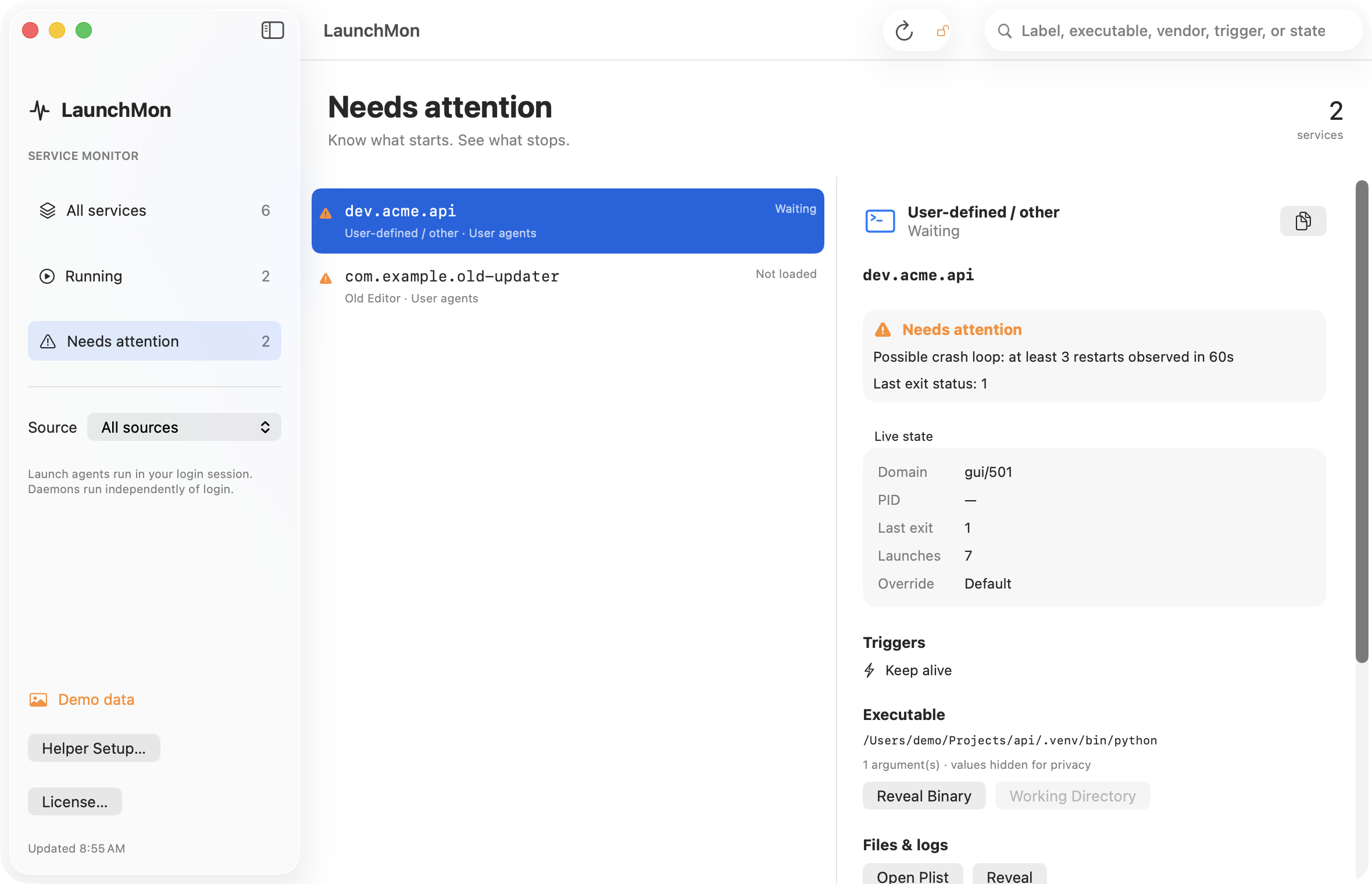
LaunchMon brings the plist, triggers, runtime state, and configured log paths together.
Related guides
References: Apple: creating launchd jobs. For commands on your macOS version, run man launchctl and man launchd.plist.