 LaunchMon
LAUNCHD FIELD NOTES
How to run a script at login on a Mac with a LaunchAgent
Put a plist with RunAtLoad in ~/Library/LaunchAgents and load it with launchctl bootstrap. Login Items start apps; a LaunchAgent is how you run a script.
Start in Terminal
These examples use a placeholder label. Substitute the exact Label from your own plist, not its filename.
cat > ~/Library/LaunchAgents/local.login-script.plist <<'EOF'
<?xml version="1.0" encoding="UTF-8"?>
<!DOCTYPE plist PUBLIC "-//Apple//DTD PLIST 1.0//EN" "http://www.apple.com/DTDs/PropertyList-1.0.dtd">
<plist version="1.0"><dict>
  <key>Label</key><string>local.login-script</string>
  <key>ProgramArguments</key>
  <array><string>/bin/zsh</string><string>/Users/you/bin/at-login.sh</string></array>
  <key>RunAtLoad</key><true/>
  <key>StandardOutPath</key><string>/tmp/local.login-script.out</string>
  <key>StandardErrorPath</key><string>/tmp/local.login-script.err</string>
</dict></plist>
EOF
plutil -lint ~/Library/LaunchAgents/local.login-script.plist
launchctl bootstrap "gui/$(id -u)" ~/Library/LaunchAgents/local.login-script.plist
launchctl print "gui/$(id -u)/local.login-script"
What to check next
Use absolute paths inside the plist: launchd runs the program directly, with no shell, so ~ and $HOME are not expanded there, and the job gets a short PATH of /usr/bin:/bin:/usr/sbin:/sbin. Anything from Homebrew needs its full path, or a PATH entry under EnvironmentVariables. Because of RunAtLoad, bootstrap runs the script once straight away as well as at every later login; read the two log files to see what it printed. To remove it, run launchctl bootout "gui/$(id -u)/local.login-script" and delete the plist. On macOS 13 and later the job also shows up in System Settings, General, Login Items, under Allow in the Background, often named after the interpreter (zsh) rather than your script, and it can be switched off there. A script that reads Desktop, Documents or Downloads may be refused until the program running it is allowed under Privacy & Security.
Why it happens
Login Items open apps; they cannot pass arguments, keep output, or describe when a job should run. A LaunchAgent is launchd’s per-user job: it is loaded when you log in, runs in your session as you, and RunAtLoad means “start as soon as it is loaded.” The system-wide equivalent is a LaunchDaemon in /Library/LaunchDaemons, which runs as root at boot, before anyone has logged in, and cannot show windows.
User agents usually run in gui/<your uid>; system daemons run in system. The same label in different domains refers to different service registrations.
See it in LaunchMon
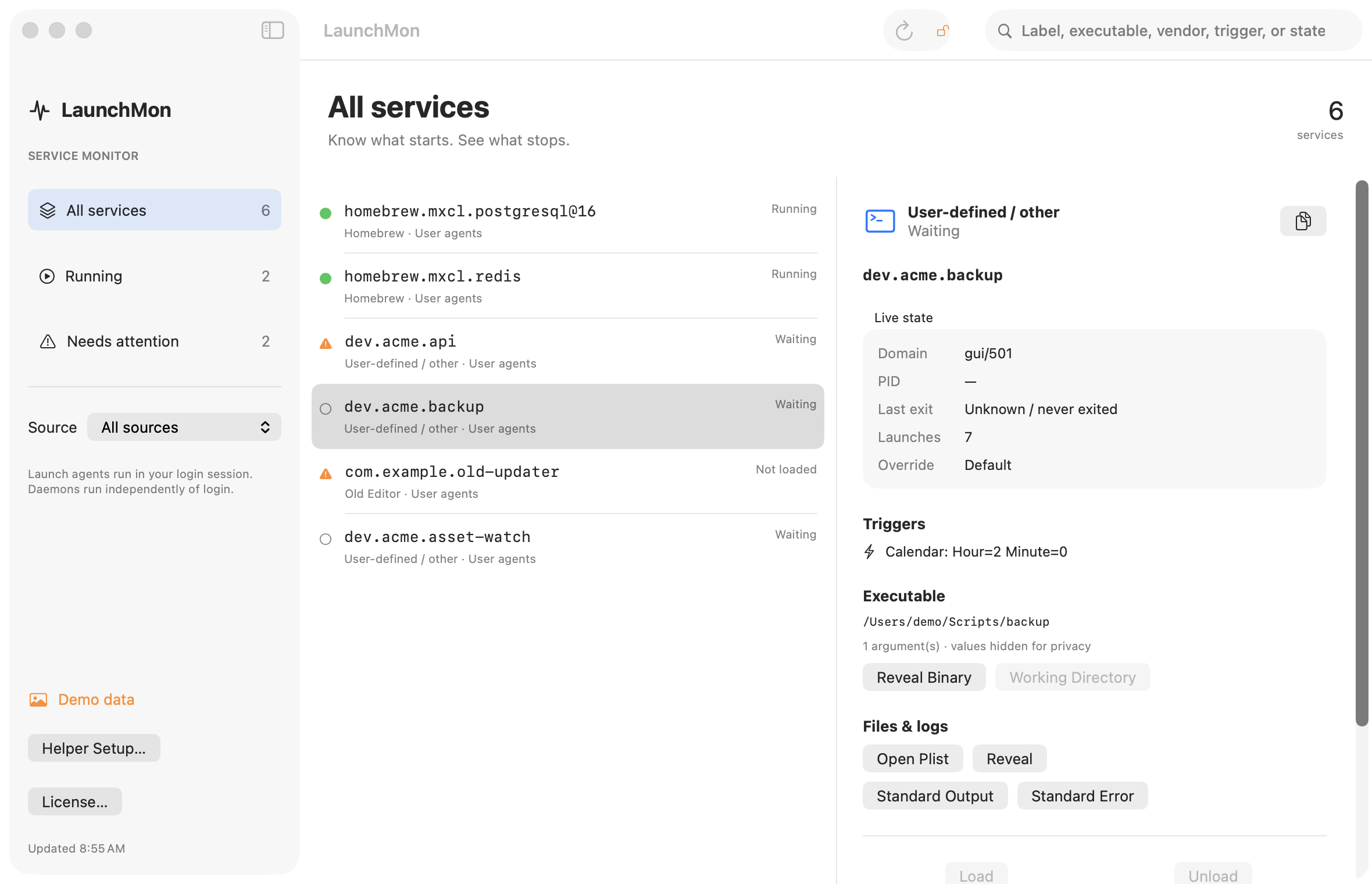
LaunchMon brings the plist, triggers, runtime state, and configured log paths together.
Related guides
- “Background Items Added”: what the notification means and how to remove the item
- What do the status numbers in launchctl list mean? (0, 78, 127, -9, -15)
- Homebrew says “started,” but the service is not running
- LaunchAgent says “command not found”: launchd’s PATH and how to fix it
- Run a script when a file or folder changes on a Mac: launchd WatchPaths and QueueDirectories
References: Apple: creating launchd jobs. For commands on your macOS version, run man launchctl and man launchd.plist.