 LaunchMon
LAUNCHD FIELD NOTES
What do the status numbers in launchctl list mean? (0, 78, 127, -9, -15)
The second column is the last exit status: 0 is clean, a positive number is the program’s exit code, a negative one is the signal that ended it. 78 is EX_CONFIG.
Start in Terminal
These examples use a placeholder label. Substitute the exact Label from your own plist, not its filename.
launchctl list | awk 'NR==1 || ($2 != 0 && $2 != "-")'
launchctl list local.example
launchctl print "gui/$(id -u)/local.example" | grep -E "state|last exit|runs|program"
plutil -p "$HOME/Library/LaunchAgents/local.example.plist"
What to check next
The three columns are PID, Status and Label. A dash for PID means the job is loaded and not running right now, which is normal for a job that waits for a schedule or a trigger. Status is the last exit status, and the manual says a negative number is the negative of the signal that stopped the job: -15 is SIGTERM (something asked it to stop, launchctl included) and -9 is SIGKILL. Many of Apple’s own agents sit at -9 because the system reclaims them when idle; that is not a fault. Positive numbers come from the program: 1 is its generic failure, 126 means the file was found and could not be executed (not executable, or a bad interpreter line), and 127 means a shell could not find the command, which under launchd is nearly always the short PATH. 78 is EX_CONFIG from sysexits.h, a configuration error: check that the path in Program or ProgramArguments exists and is executable, that WorkingDirectory and the log paths exist and are writable, and that the plist passes plutil -lint. Do not look these up with launchctl error: it reads the number as an errno and answers “Function not implemented” for 78, which has nothing to do with your job. launchctl print shows the last exit code together with the state, the run count and the program launchd resolved.
Why it happens
launchctl list is the old interface and reports one number with no context; the manual itself recommends print instead. The number is only the last exit, so a job that failed once at login and has worked since can look broken, and one that is restarted by KeepAlive can show a fresh status every few seconds.
User agents usually run in gui/<your uid>; system daemons run in system. The same label in different domains refers to different service registrations.
See it in LaunchMon
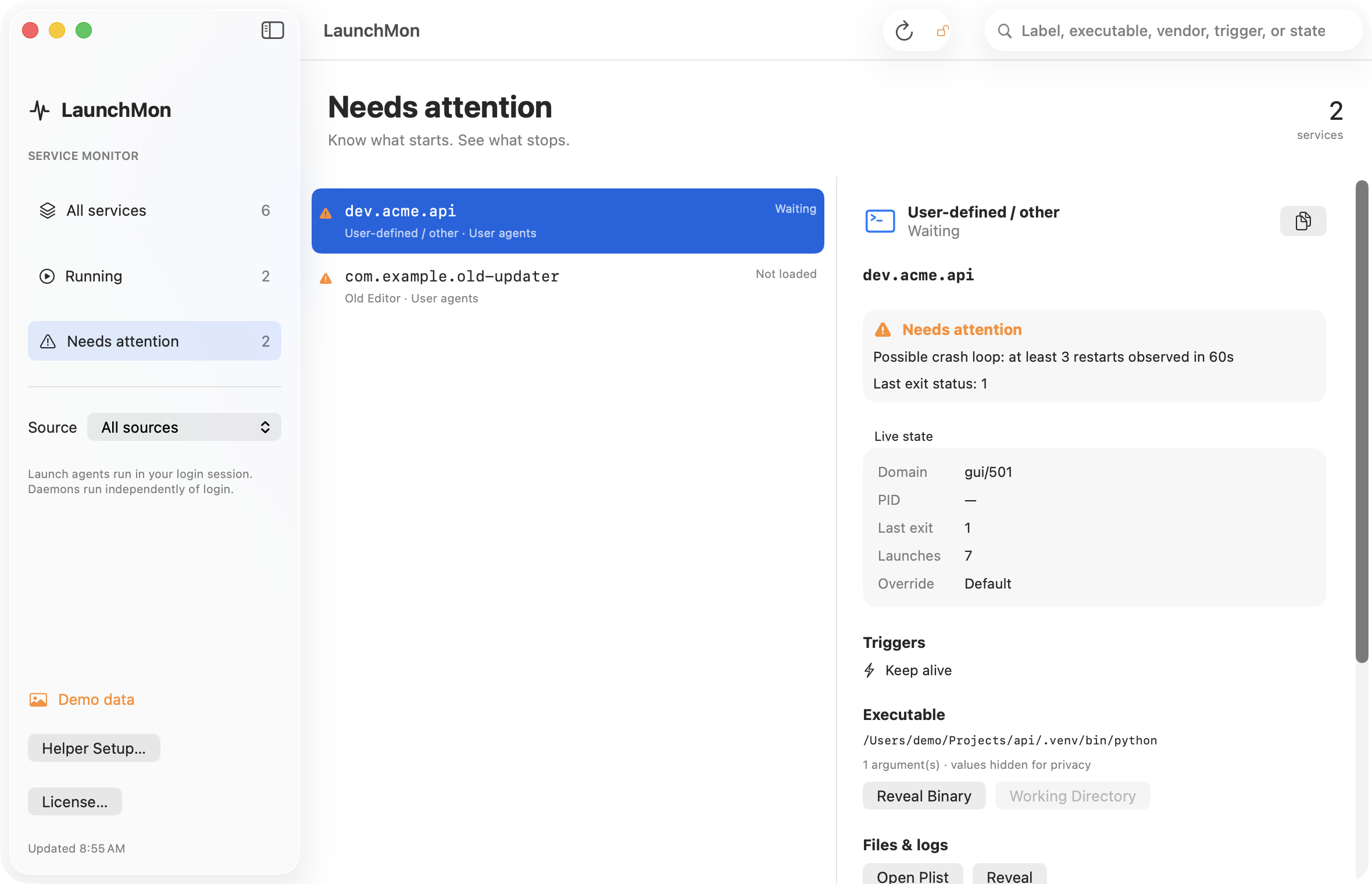
LaunchMon brings the plist, triggers, runtime state, and configured log paths together.
Related guides
- Homebrew says “started,” but the service is not running
- Why does my launchd job keep restarting?
- LaunchAgent says “command not found”: launchd’s PATH and how to fix it
- How to read launchctl print output: state, last exit code, runs and the rest
- LaunchAgent script gets “Operation not permitted”: launchd jobs and Full Disk Access
References: Apple: creating launchd jobs. For commands on your macOS version, run man launchctl and man launchd.plist.